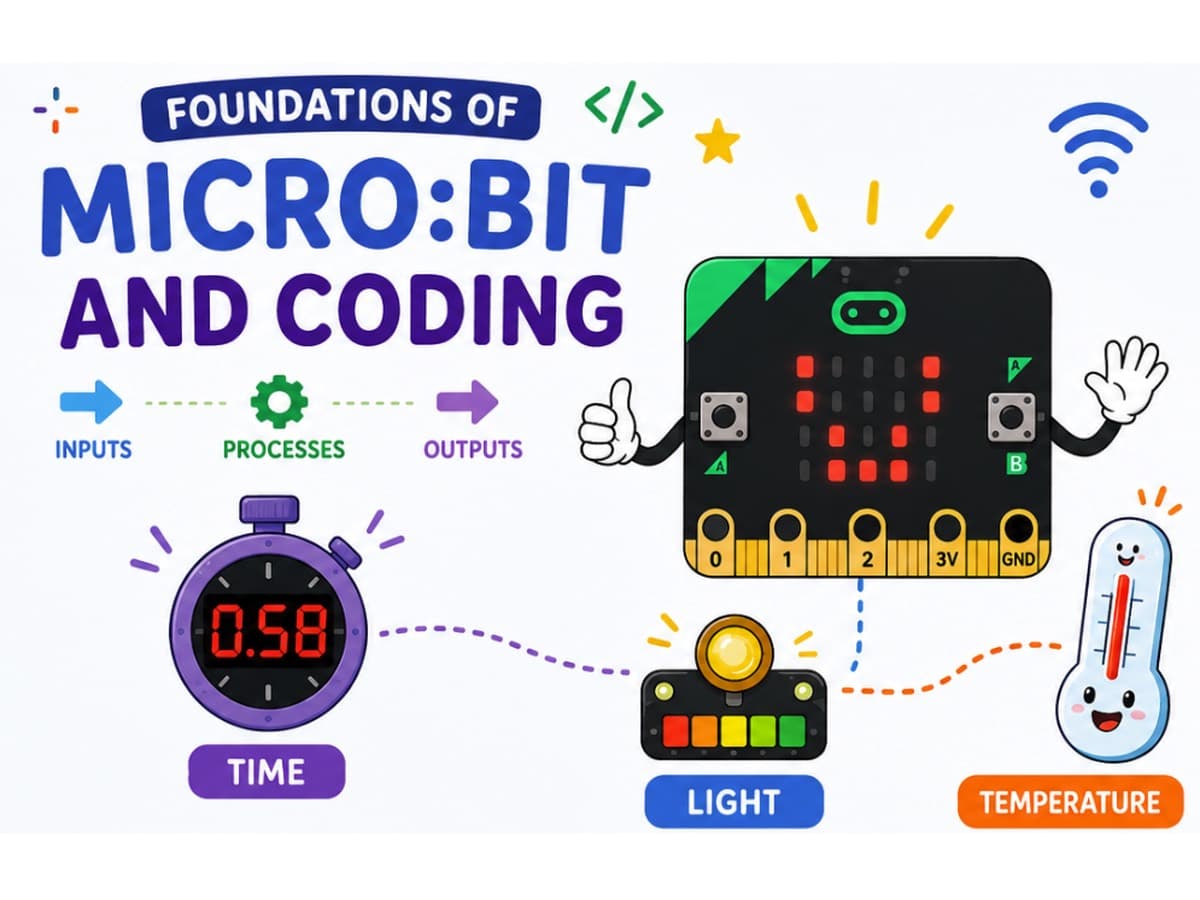
Code Gakko Makers is our home-based maker programme, built on the same Design Thinking and Maker Education philosophy as our school programmes. Every student begins with the BBC micro:bit before progressing to more advanced tools.
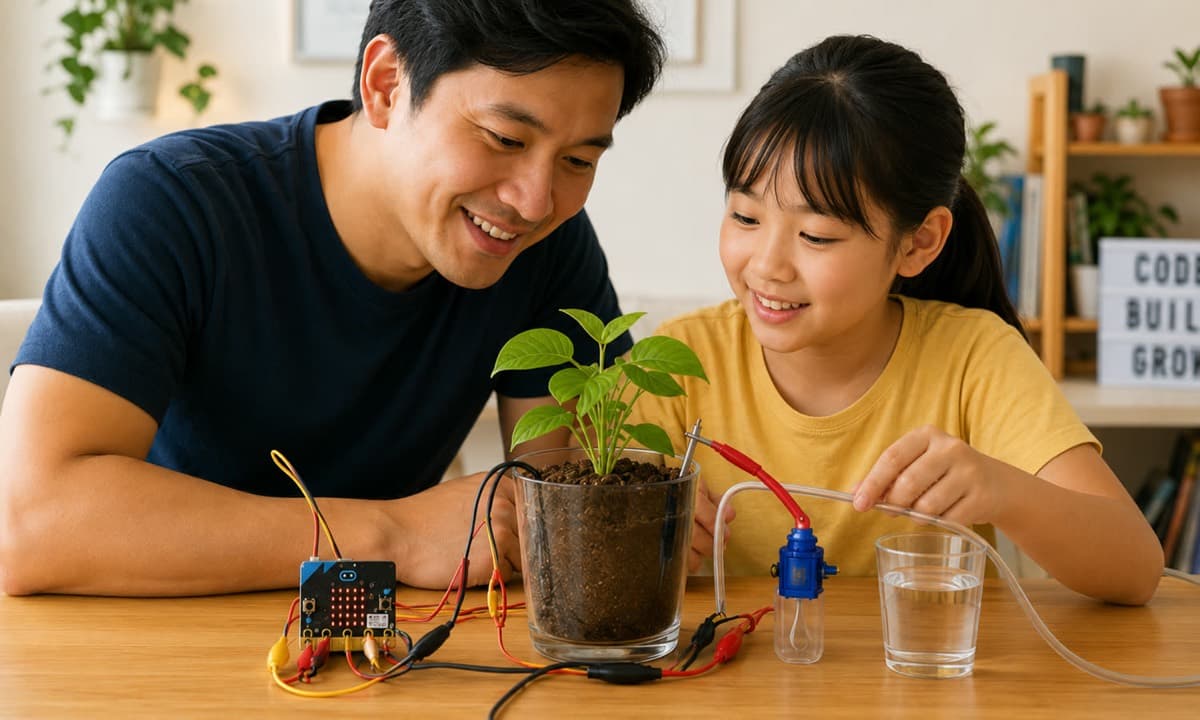
Self-watering plantSoil moisture sensing, servo motor and a pump
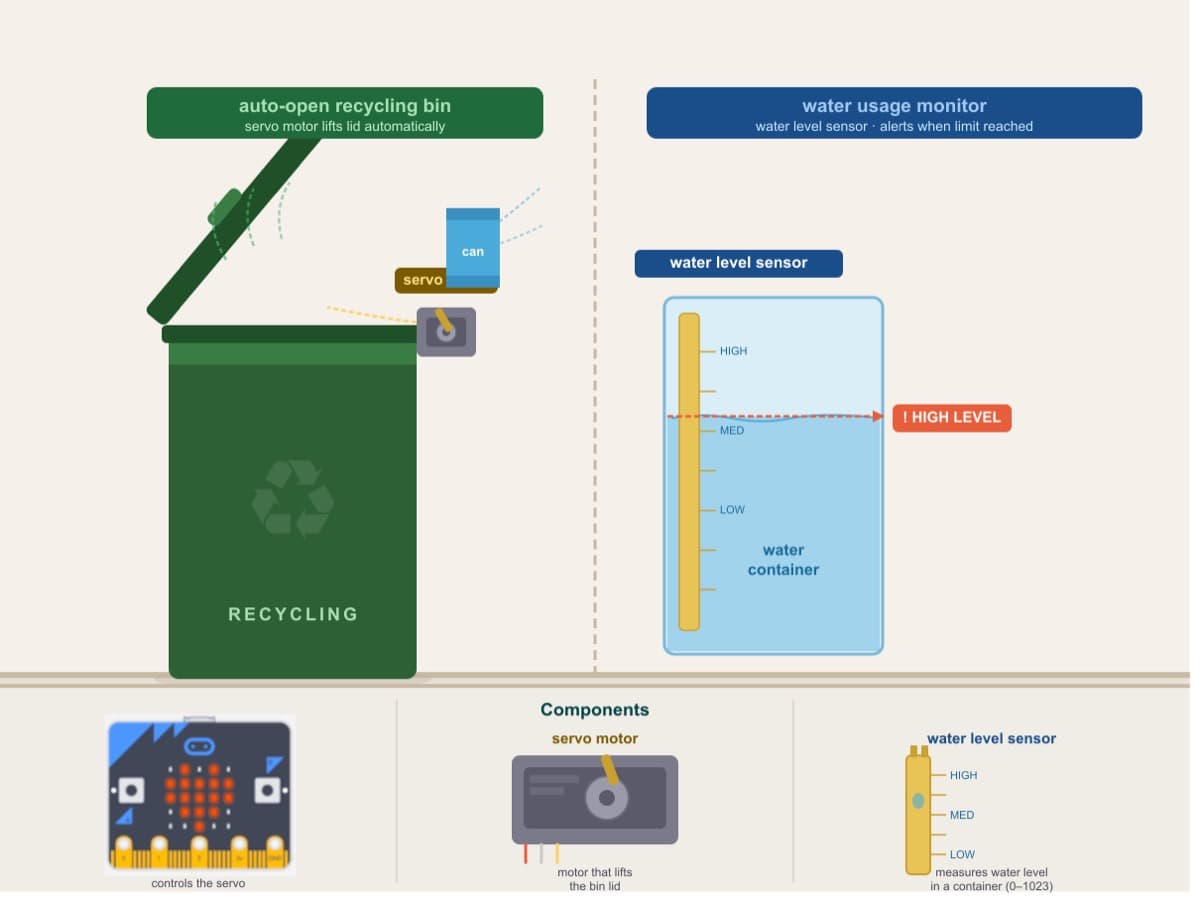
Zero Waste LabTwo builds: auto-open recycling bin + water usage monitor
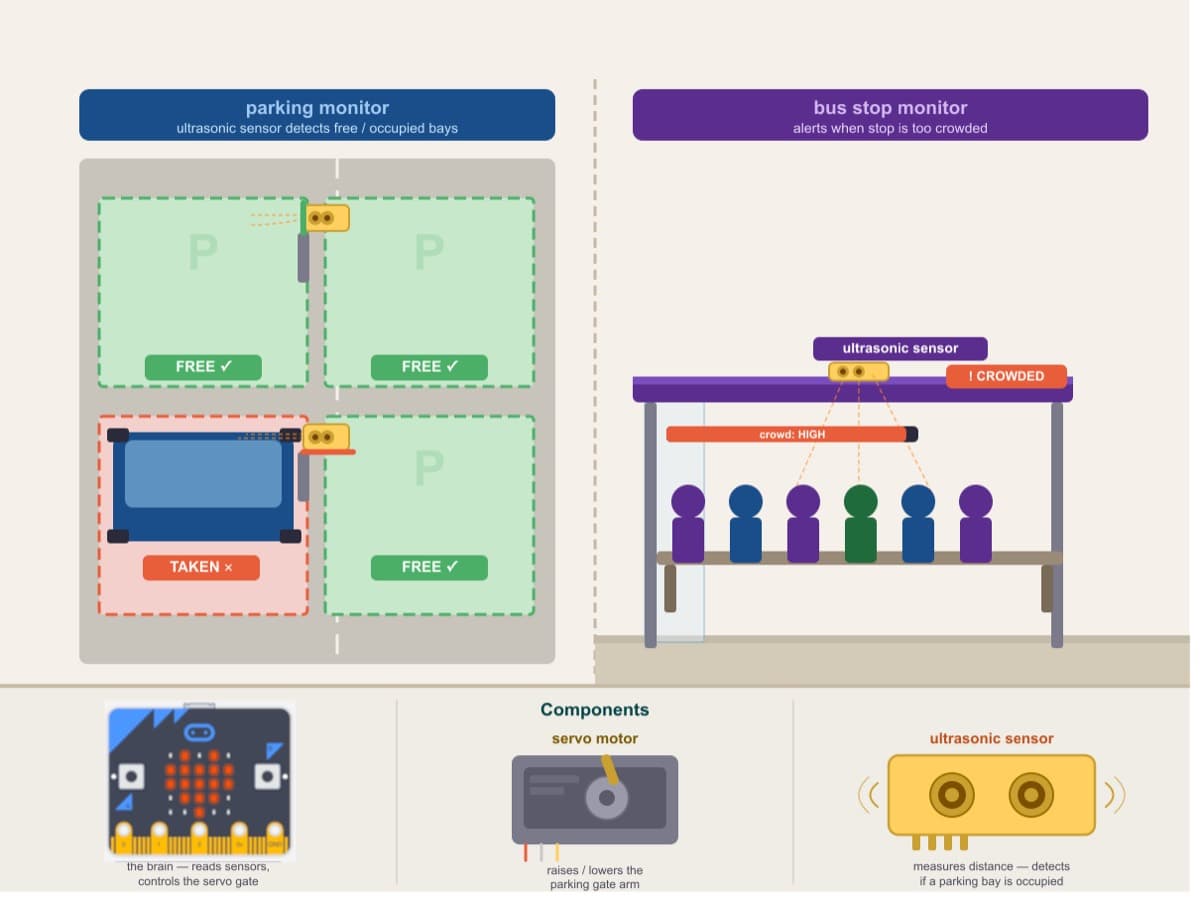
The City That ThinksTwo builds: parking monitor + bus stop crowd monitor
Inside a build
What a lesson actually looks like.
Every project runs on one platform: lesson slides, video walkthroughs, MakeCode blocks, the physical build, a quick check of understanding, written reflection, and the portfolio entry it all saves into.
Parents get their own guide for each lesson — the big idea, conversation starters and how to help without taking over.
Design Thinking — the framework behind every build
EmpathiseWho has this problem?
→
DefineWhat needs solving?
→
IdeateHow might we fix it?
→
PrototypeBuild a version
→
TestDoes it work?
STEAM in practice — disciplines woven into every build
🔬 Science⚙️ Tech & Eng📐 Maths✍️ Language🎨 Art & Design
Curriculum themes — real-world Singapore contexts
🌳 City in Nature🌱 Sustainable Living⚡ Energy Reset🛡️ Resilient Future💚 Green Economy❤️ Health & Ageing
Same framework as MOE Applied Learning Programme (ALP) and Interdisciplinary Project Work
1. Every build starts with a real problem
Design Thinking shapes each project — students empathise, define, ideate, prototype, and test. STEAM disciplines and real Singapore themes run through every build.
1 / 9
For illustration purposes only — actual platform UI may vary.
Every build follows the same four-part structure
Learn. Build. Reflect. Share.
01
Learn
Guided lesson path: slides, video walkthroughs, code and handouts.
02
Build
Hands-on with real tools, following the Design Thinking process.
03
Reflect
Structured prompts on what was made, and why.
04
Share
Every build saves to a portable, publishable portfolio.
A progressive learning journey
The scaffolding lifts as confidence grows.
Every student starts with the same guided project. From there the programme moves from step-by-step instructions towards open-ended prompts, and finally to fully independent making.
More guidance
More freedom
Guided buildsHow Might We…Your own prototype
1
Guided
First builds
Guided builds
Step-by-step lessons with video walkthroughs, slides, and handouts. Students focus on understanding how the build works and why.
2
Semi-open
Building confidence
How Might We…
Students are given a real-world challenge framed as a "How Might We" question. They define the problem, design their own approach, and build a prototype. Materials shift from instructions to prompts.
Instructor Office Hours available from this stage.
3
Student-led
Open making
Your own prototype
Students pitch their own idea, plan the build, and execute it. The portfolio entry is entirely original — a real artefact of independent thinking.
Instructor Office Hours continue throughout.
Students start with guided builds. “How Might We” and open making follow as they progress.
Curriculum themes
Built around real-world challenges.
Each project sits under a real-world theme — the same challenges Singapore’s schools, communities and policymakers are working on, now and into the future.
City in Nature
Biodiversity, urban greenery, ecosystems, parks. Wildlife or plants in built-up areas.
Solar, energy efficiency, smart grids, low-carbon power.
Green Economy
Sustainable business, products, supply chains, green jobs.
Resilient Future
Climate adaptation: flood, heat, water security, infrastructure resilience.
Health & Ageing Well
Eldercare, accessibility, active ageing, mental wellness, multi-generational living.
Foundations
Across every build
Pedagogy and meta-skills — design thinking, glossaries, parent-coaching guides — that apply regardless of theme. So your child gets the same framework on every project, and you get the same support.
STEAM in practice
Every build weaves multiple subjects together.
Not in separate lessons — in the same project, at the same time.
Science
Form a hypothesis, run your build, observe what happens. Cause and effect made physical and testable.
Technology & Engineering
Design systems that work. Iterate when they don't. Every prototype is an engineering decision.
Maths
Read real data from sensors. Plot trends. Understand what numbers actually mean in the real world.
Language & Communication
Every build ends with a written reflection: what did I make, why, and what would I change?
Art and design are embedded in every prototype. Form, usability and presentation all matter — not just whether the code runs.
What your child gains
Skills. Artefacts. Proof.
The outcomes that build up across every project — skills, evidence, and something real to show. Aligned with MOE’s 21st Century Competencies framework.
Think
Skills that transfer
Critical, adaptive and inventive thinking. Design thinking. Computational thinking. The ability to frame a real problem and work toward a solution — skills that apply well beyond any single tool or subject.
Build
Something real to show
A working prototype per build. A full portfolio entry with code, photos and written reflections. Evidence of actual making and thinking — not just participation.
Solve
Proof they can share
A shareable portfolio URL and a verified PDF with a unique ID your child keeps. Something real to bring to schools, Direct School Admission panels, competitions — or just to show the family.
What comes with every build
Families are supported, not left to it.
The programme is self-directed, but never unsupported. Parents don’t need to know how to code.
Real-world learning journeys
Each theme comes with places to visit and things to observe offline, so the build connects to somewhere the student has actually stood.
Parent guides
A facilitator guide, discussion prompts, common pitfalls, a plain-English glossary and a “Helping Without Doing” primer for every build.
Instructor support hours
Scheduled sessions with a Code Gakko instructor when a build genuinely gets stuck — not a chatbot.
Community showcase
Finished builds can be shared with other makers, so students see the range of answers to the same brief.
For schools
Makers works for student groups too.
Teachers can bulk-add students and manage lessons on the platform, with school billing handled via Vendors@Gov. Schools running an ALP, IPW, CCA or makerspace programme are welcome to get in touch to discuss how Makers could fit alongside your existing programmes.
Makers is offered directly to families on a subscription basis, with an optional hardware kit. Full curriculum details, sample lesson materials and pricing live on the Makers site.